
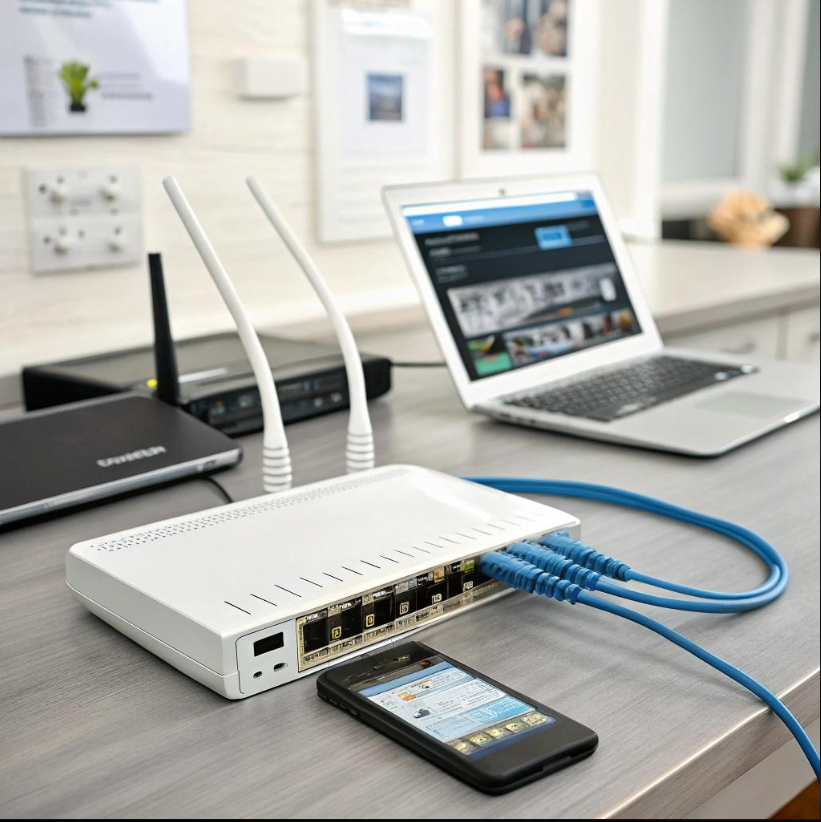
A reliable Wi-Fi connection is essential for working, studying, streaming and running a business. Slow speeds, dropped connections and weak signals can disrupt productivity, but the right adjustments and networking equipment can make a noticeable difference.
Improve Your Router Placement
Place your router in a central, elevated position with as few physical obstructions as possible. Thick walls, metal objects and certain electronic devices can interfere with wireless signals. Keeping the router away from enclosed cupboards and other obstructions can help improve coverage.
Choose the Right Networking Equipment
Your router should support the number of connected devices and the internet speeds provided by your service provider. Larger homes and offices may benefit from a mesh Wi-Fi system or additional access points to extend coverage into areas with weak signals.
For offices, a properly configured network can improve connectivity across workstations, printers and other connected devices. Ethernet connections may also provide greater stability for desktop computers and equipment that requires consistent performance.
Keep Your Network Secure
Use WPA2 or WPA3 security where supported, set a strong Wi-Fi password and keep your router’s firmware updated. Review connected devices regularly and replace outdated networking equipment when it no longer meets your requirements.
Build a More Reliable Network
If connectivity problems persist, the cause may involve interference, outdated hardware, poor coverage or an internet service issue. Identifying the underlying problem helps you choose the right solution rather than replacing equipment unnecessarily.
HEXCORE Technologies offers networking and Wi-Fi solutions to help customers meet their connectivity requirements at home or in the workplace.